 By William Brooks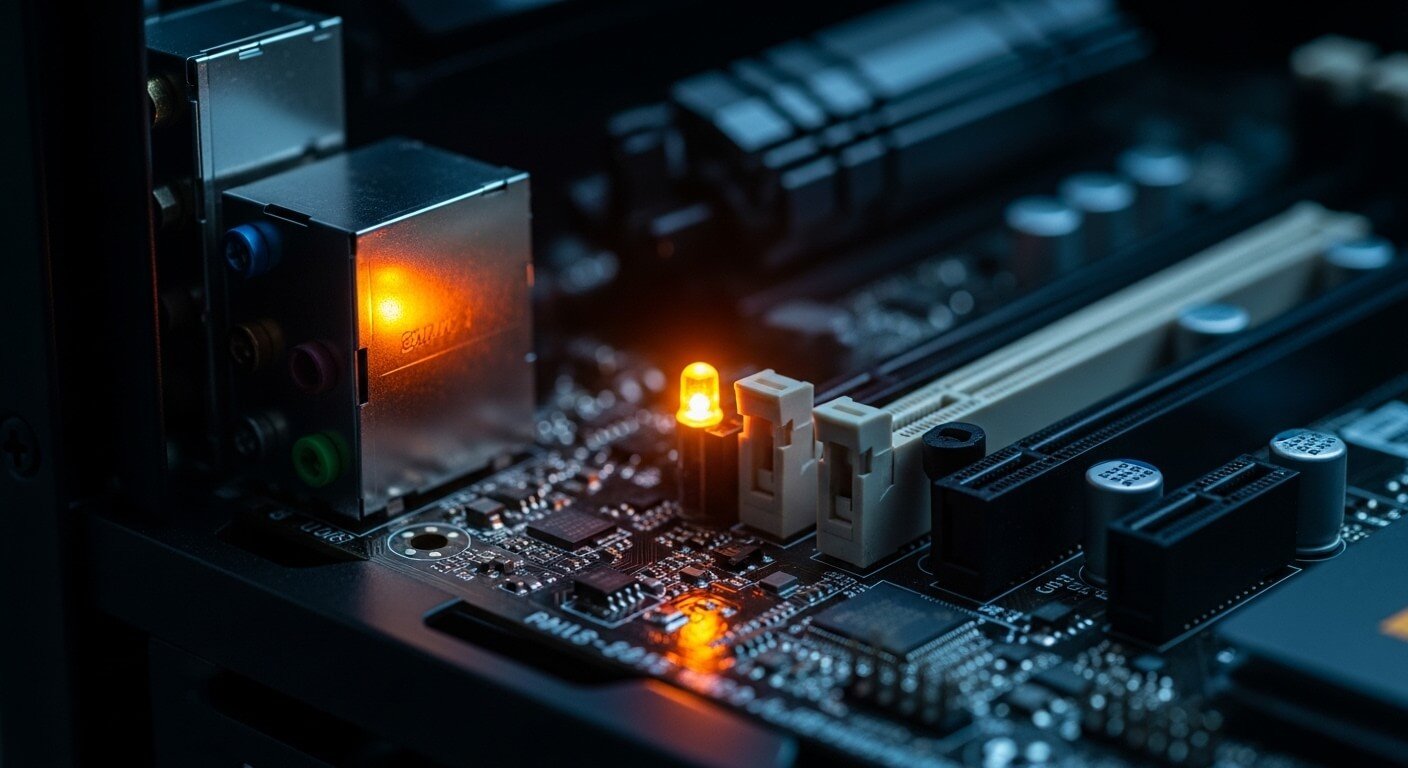
Have you ever experienced a puzzling orange light glowing ominously from your motherboard? If so, you’re not alone. This peculiar phenomenon can be quite alarming for both seasoned tech enthusiasts and casual computer users alike. Your motherboard is the backbone of your PC, and understanding its signals is crucial for maintaining optimal performance.
In this blog post, we will dive into the world of motherboards to help demystify that pesky orange light. We’ll explore what a motherboard does, why it matters, common issues you might encounter, and most importantly, what that orange light means for your system’s health. Ready to unlock the secrets behind this colorful indicator? Let’s get started!
What is a Motherboard?
A motherboard is often referred to as the heart of your computer. It acts as a central hub that connects all components, allowing them to communicate with one another.
Think of it as the main circuit board where everything comes together. The CPU, RAM, graphics card, and storage devices plug directly into it. This integration ensures seamless data flow across various hardware elements.
Motherboards come in different sizes and types; ATX, Micro-ATX, and Mini-ITX are just a few examples. Each type serves unique needs depending on the user’s requirements for performance or compactness.
Additionally, motherboards have an array of slots and ports for expansion cards and peripherals. Understanding this essential component can empower you to make better decisions during upgrades or troubleshooting sessions.
The Importance of a Motherboard
The motherboard is the backbone of a computer system. It connects all components, allowing them to communicate effectively. Without it, your CPU, RAM, and storage devices would have no way to interact.
A quality motherboard ensures stability and performance. It dictates how many expansion cards you can install and what type of memory can be used. The right motherboard also supports future upgrades, making it easier to enhance your system as technology evolves.
Additionally, motherboards come with various features like integrated graphics or sound capabilities that can save you money on additional hardware. They play a crucial role in overall functionality and efficiency.
Choosing the right motherboard sets the foundation for your entire setup. It’s an investment that impacts everything from gaming performance to productivity tasks. Understanding its importance helps users make informed decisions when building or upgrading their systems.
Common Issues with Motherboards
Motherboards are the backbone of any computer system, but they can encounter various issues that disrupt performance. One common problem is overheating. Dust buildup or inadequate cooling can cause components to overheat, leading to malfunctions.
Another frequent issue involves faulty connections. Loose cables or improperly seated components can result in power failures or erratic behavior. It’s frustrating when your machine fails to boot up due to something as simple as a loose connection.
Electrostatic discharge (ESD) poses another risk. Static electricity can damage sensitive motherboard components during installation or maintenance tasks. Users should always handle their hardware with care and use anti-static precautions.
BIOS corruption is an often overlooked headache. A failed update or power interruption during updates may render the motherboard unusable until it’s properly restored. Each of these problems highlights why monitoring and maintaining your motherboard is crucial for optimal performance.
What is Orange Light Mobo?
The orange light on your motherboard, commonly referred to as the “orange light mobo,” serves as a crucial indicator of system status. Unlike regular power indicators, this glowing hue often points to underlying issues that require attention.
Typically, the orange light signifies a problem related to hardware components or connections. It can also indicate that the motherboard is in standby mode or experiencing boot failures. Understanding its meaning helps you troubleshoot effectively.
Many users may panic upon seeing this warning signal. However, it’s essential to decode what your motherboard is communicating before jumping to conclusions. By identifying whether it’s linked to RAM issues, GPU problems, or other hardware malfunctions, you can take appropriate action and avoid unnecessary repairs.
Paying close attention will save time and ensure smoother performance for your PC setup.
Causes and Solutions for Orange Light Mobo
The orange light on your motherboard can indicate several issues. One common cause is a power supply problem. If the PSU isn’t delivering enough voltage, it may trigger this warning light.
Another possibility could be memory-related. Loose or faulty RAM sticks often lead to an orange indicator as well. Ensure they’re properly seated in their slots.
Overheating components might also play a role. Dust buildup or malfunctioning fans can elevate temperatures and prompt that orange glow.
If you’re experiencing connectivity problems with other hardware, such as graphics cards or peripherals, these too can be culprits behind the ominous light.
To address these issues, start by checking all connections and reseating components. A thorough cleaning of the inside of your case helps maintain optimal airflow and functionality for cooling systems as well.
Tips for Proper Maintenance of Your Motherboard
Keeping your motherboard in top shape is essential for optimal performance.
Start with regular dusting. Dust can accumulate quickly and interfere with connections. Use a can of compressed air to gently blow away debris from the components.
Ensure proper airflow within your case. Good ventilation prevents overheating, which affects longevity. Consider adding extra fans if needed.
Check your cables frequently. Tidy up loose wires to avoid damage during maintenance or upgrades. Securely connect all power sources, as poor connections may lead to malfunction.
Monitor component temperatures using software tools. High temperatures indicate cooling issues that need addressing before they escalate into serious problems.
Keep your BIOS updated too; this ensures compatibility with new hardware and optimizes functionality.
Handle everything carefully when performing upgrades or repairs, as motherboards are sensitive to static electricity and physical stress.
Conclusion
Understanding the nuances of your motherboard can save you time and frustration. Each light and beep serves as a communication tool from your system.
The orange light on your mobo is not just an aesthetic choice; it carries meaning that warrants attention.
By identifying its causes, you empower yourself to tackle potential issues head-on. Whether it’s power supply malfunction or memory problems, knowledge equips you for solutions.
Preventative care goes a long way in prolonging your motherboard’s life. Simple maintenance routines keep everything running smoothly.
Your motherboard is the heart of your computer. Treat it with respect, and it’ll serve you well for years to come. Stay curious about technology, as this journey never truly ends.